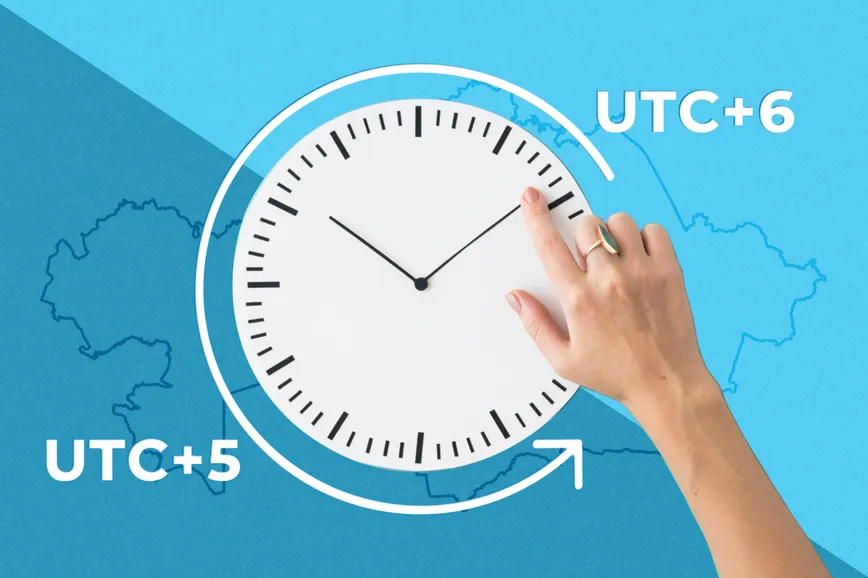
On the night of February 29 to March 1, 2024, Kazakhstan will transition to a single time zone, moving one hour backward from UTC+6 to UTC+5 in all regions except the Mangystau, Atyrau, West Kazakhstan, Aktobe, and Kyzylorda regions.
Numerous users have already started receiving notifications regarding the shift to the unified time zone (UTC+5) in Kazakhstan through their mobile phones and devices. The Ministry of Digital Development has prepared a guide to update your devices and smoothly transition to the new time zone.
Citizens who have not yet received these updates need not worry. It is essential to update the software of devices to the latest version. If automatic updates are enabled, and the device is connected to the Internet, the time will change automatically; otherwise, manual adjustment is necessary.
Ensure that automatic time detection in the settings is enabled for those relying on manual adjustments. If connected to the Internet, the time will change automatically; otherwise, the change needs to be made manually.
General recommendations
Check your internet connection. The device must be connected to the network for an automatic time update.
Enable automatic time update. Most devices allow you to update the date and time using network time services automatically.
Reboot the device. Sometimes a reboot is required to apply the changes.
Instructions for different operating systems
Windows
1. Open Control Panel > Clock and Region > Date and Time.
2. Go to the "Internet Time" tab and click on "Change" settings.
3. Make sure the "Synchronize" option with Internet Time is activated and click "Update Now".
If the automatic update doesn't work, go to the Date and Time tab, click on "Change Date and Time" and set the correct time manually.
macOS
1. Go to Apple menu > System Settings, click General in the sidebar, then click Date & Time
2. Make sure the Adjust date and time automatically option is selected.
If manual adjustment is required, uncheck this option and make the necessary changes manually.
Android
1. Open Settings > System > Date and time.
2. Turn on Set Automatically for time and time zone.
If an automatic setting doesn't work, disable these options and set the date, time, and time zone manually.
iOS (iPhone and iPad)
1. Go to Settings > General > Date and time.
2. Turn on Set Automatically.
If necessary, disable this option and manually set the correct time and date.
Troubleshooting
Check for operating system updates. Make sure your device is updated to the latest OS version.
Switch to a different network time service. Some operating systems allow you to select alternate time servers.
Check the time zone settings. Make sure the correct time zone is selected for your location.
Reset the network settings. On some devices, resetting the network settings may help resolve problems with automatic time synchronization.
Contact tech support. If the problem persists, you may need professional help.
What measures did the Ministry take?
In order to implement the switch the following measures were taken:
1) international organizations IANA (Internet Address Space Administration) ITU, RCC, ICANN, IETF, and IESG were officially notified of Kazakhstan's transition to a single 5th time zone, as well as the need to update data in the publicly available time zone database for Kazakhstan.
In this regard, users need to update the released updates with international operating systems, including Android and IOS.
2) According to the instruction of the Minister of Digital Development, telecom operators:
- are taking organizational and technical measures to prepare the necessary settings of their information systems;
- take measures to notify their subscribers and users in advance of the work being carried out through their service channels, including sending short text messages by cellular operators, as well as informing them on the Internet and in mobile applications (if available);
- technical infrastructure is being prepared to maintain the stability of the provided services and communication services, including the Internet, as well as to prevent cases of double debiting of the monthly tariff payment.